We use cookies to make your experience better. To comply with the new e-Privacy directive, we need to ask for your consent to set the cookies. Learn more.


 Compare
 Wishlist

Existing Customers
LoginNew Customers
Register


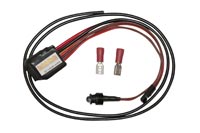
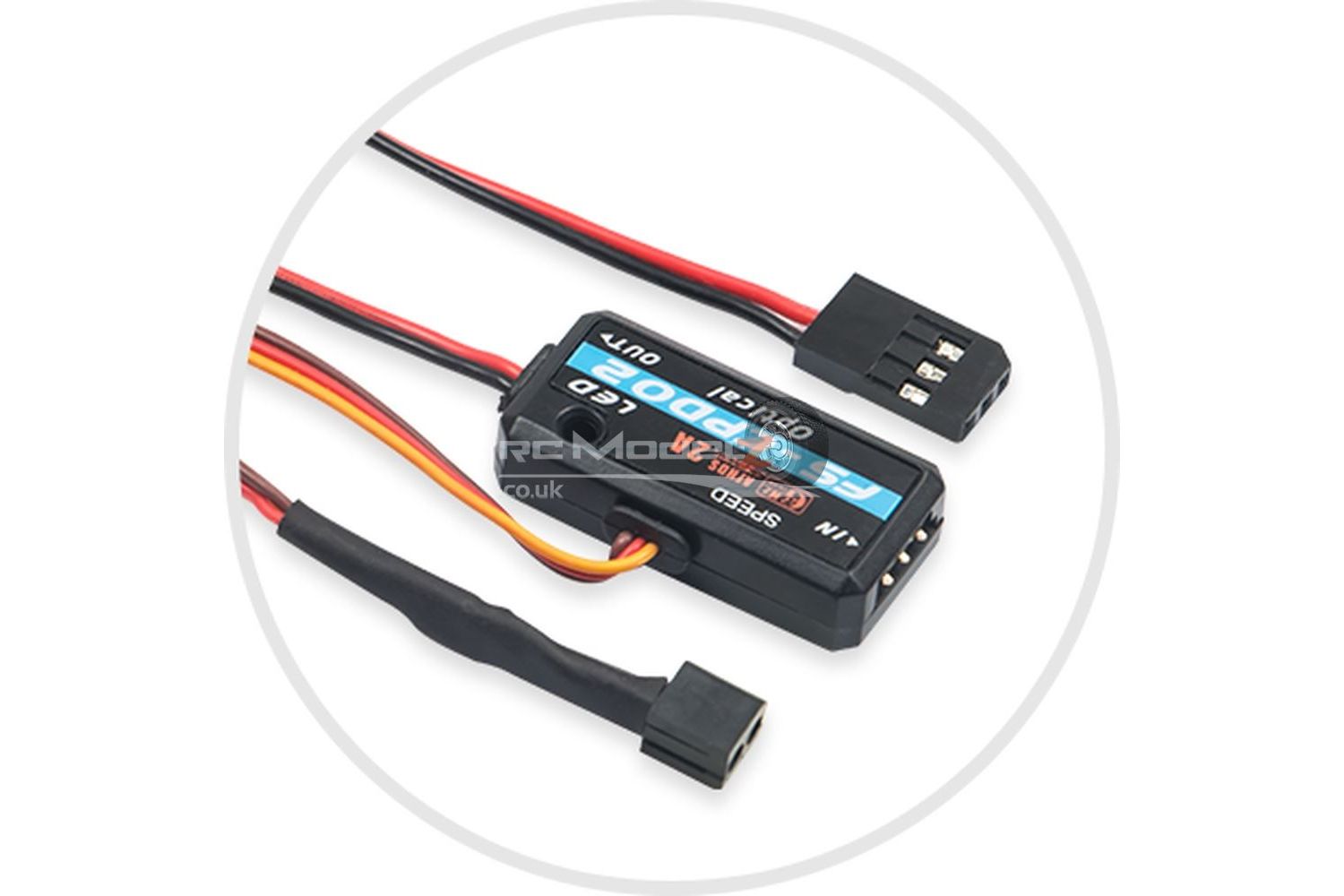
Flysky Optical Speed Collection Telemetry Sensor FS-CPD02
The speed sensor outputs the motor speed in real-time.
Optical speed sensor (FS-CPD02)
1. Connect the FS-CPD02 sensor to either the SENS port on the receiver or the in the port of another sensor.
2. Affix the sensor and reflective sticker in the axial rotation position to be tested; keep the sticker flat and perpendicular to the sensor probe. The distance between the sensor probe and the sticker should be within a few mm.
3. Turn on the transmitter, enter [Sensor], then [Sensor List] menu and rotate the wheel. If the “Type” column displays “Speed” and the [Value] column displays a value other than 0rmp then the installation was successful, otherwise, repeat the above steps.
Colour: Black
Position: Front
| Colour | Black |
|---|---|
| Position | Front |
| Brand | Fly Sky |